Is Your WordPress Blog Up-to-Date?
Security - Don’t Ignore Those Little Numbers [Updates]
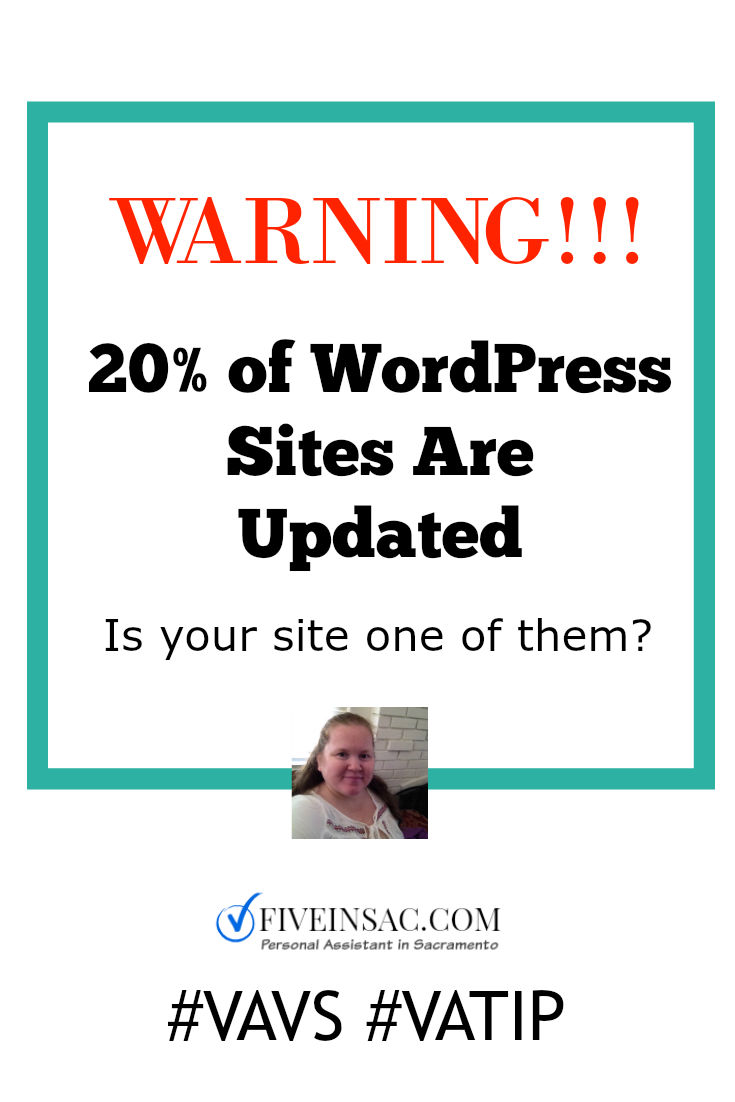
I learned this statistic at the 2015 Virtual Assistant Virtuosos Conference. It’s shocking considering how many people are using WordPress for blogging and business. As I work on more and more clients websites I find many who don’t keep their site updated.
Most is due to lack of time and some is fear that they will break something. The later was me back in 2012 when I first started using WordPress. It was so new to me that I thought one wrong move would delete my blog.
Truth: yes, one wrong move can delete your blog AND updates can be one of those wrong moves.
Here’s what I suggest:
- Do a FULL backup of your blog and database. This makes it possible to get your site up again if something should go wrong during an update.
- Do one update at a time. This way if something does go wrong, you have a greater chance of knowing whether it was a plugin, a theme, or the WP update.
- Don’t ignore those little red numbers, they’re red for a reason. If you’re not confident about doing it yourself, ask someone to do it for you.
- Once all the updates have been taken care of review your current list of Plugins. Do you really need all of them or can you delete some of them? Delete the ones you don’t use - they slow down your site.
- Set a reminder on your calendar or phone so you can go to your site to see if updates are needed.
- Add an auto backup plugin to your site or set a reminder to make one in Cpanel each week or every other week. This way you always have the latest version of your database and blog.
- Still don’t care about your updates? Then, please, please, please, invest in WPEngine or other managed host so that you don’t have to worry about it. Your site will run faster and all the updates are taken care - simple huh?
Do you use managed WordPress? Why or Why not? (do you know what managed WP is?)
Continue this conversation with me on Twitter: @MyGigLife or on Facebook: SaraAssistsYou
Ready to hire a Virtual Assistant? Start with this 19-minute video plus a worksheet to see what low-end tasks can be outsourced to save you time and money. Instant Access (opt-in)
P.S. I Do Blog Maintenance. For $75 you get all plugins, WordPress, and Themes updated (with a full backup of course). I also suggest you use WordFence Security and Limit Login Attempts to keep your site secure. You also get a complimentary Blog/Website Review. This includes my suggestions for making your site more SEO friendly, formatting suggestions, and seven blog post ideas and seven social media topic ideas. ($40 value)
Hire Sara, Your Personal Virtual Assistant
Leave a Reply